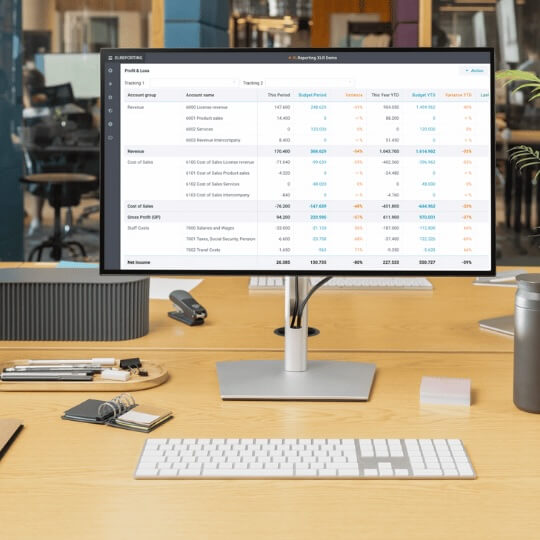
Templates are predefined models, input screens, reports, and dashboards that you can use directly or customize. They form the starting point for your own applications.
Each template is fully customizable: you can change fields, add formulas, change formatting, or add additional logic. You maintain maximum flexibility, without sacrificing structure.
Our templates have been developed in collaboration with finance teams from various sectors. They are practical, understandable, and tailored to the real needs of controllers, CFOs, and financial advisors.

Select a category to filter the templates:
All Reporting Forecasting Consolidation Profit & Loss Balance Sheet Cashflow Staff Projects SaaS Education Healthcare KPI's
Schedule a Meeting with one of our Planning and Reporting Experts.
Let's Talk Get Insight
Online Planning and Reporting Platform to consolidate, report, and forecast with flexibility for your business.


© 2009-2026 XLReporting
® All rights reserved
Partners
Business
Non-Profit
Case studies
Templates
Setup
Pricing
